> ## Documentation Index
> Fetch the complete documentation index at: https://apidocs.mossx.ai/llms.txt
> Use this file to discover all available pages before exploring further.

# 客户端 CC GUI 使用

#### 1.下载安装

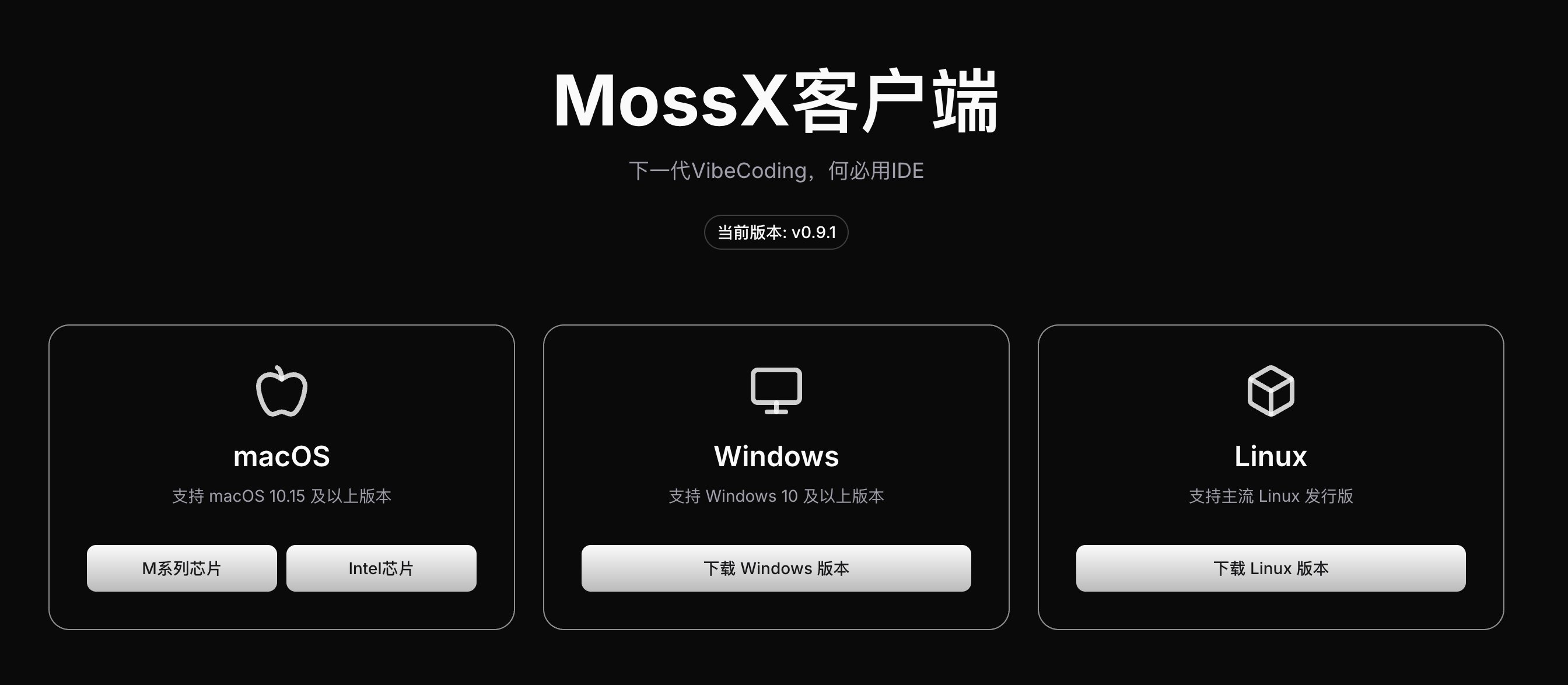
下载地址：[https://www.mossx.ai/download](https://www.mossx.ai/download)

根据自己的平台来下载安装包
<Frame>
  <img src="https://mintcdn.com/docs-api/PwEYLgoL0kxVdcuq/images/ScreenShot_2026-08-21_123350_886.png?fit=max&auto=format&n=PwEYLgoL0kxVdcuq&q=85&s=d6159d41ca65a0d8d9dc20896180a1ee" alt="Screen Shot 2026 08 21 123350 886" width="2688" height="1174" data-path="images/ScreenShot_2026-08-21_123350_886.png" />
</Frame>

#### 2.使用

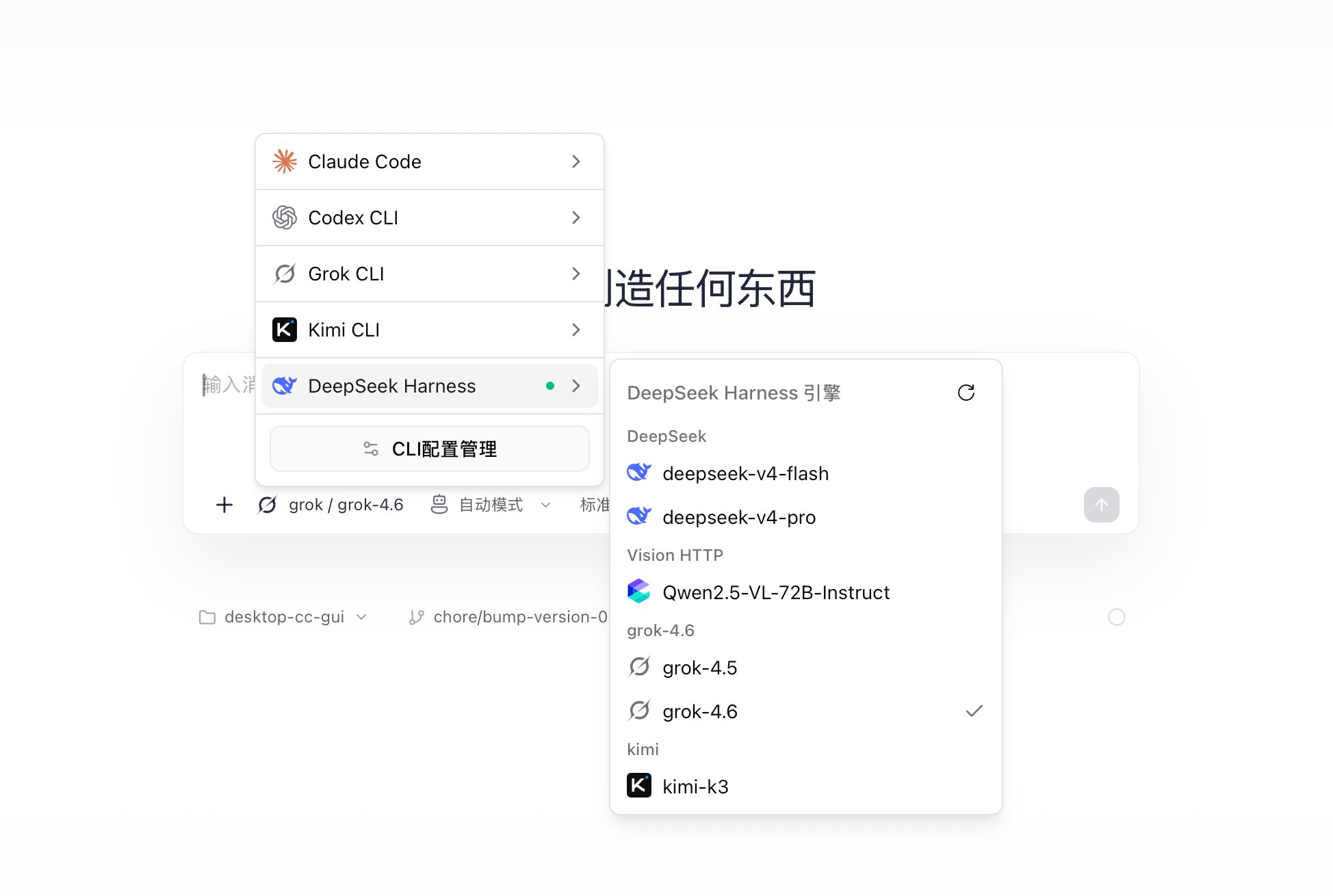
因为客户端使用的技术是CLI技术，只要你本地CLI配置成功，并且CLI 可以进行正常提问，就可以无缝使用CC GUI 客户端，不需要其他额外配置

<Frame>
  <img src="https://mintcdn.com/docs-api/PwEYLgoL0kxVdcuq/images/ScreenShot_2026-08-21_123517_955.png?fit=max&auto=format&n=PwEYLgoL0kxVdcuq&q=85&s=1202dbc09273e62131ed0c4d222801cd" alt="Screen Shot 2026 08 21 123517 955" width="1948" height="1310" data-path="images/ScreenShot_2026-08-21_123517_955.png" />
</Frame>